Instructions:
To create a poster size collage in Adobe Photoshop. Choose a topic that is personal and execute it in Photoshop utilizing the demonstrations that have occurred. The final assignment will be executed in Adobe Photoshop. You can use your own photographs or get them off the web or both. The topic can be something social; i.e. rock the vote, aids awareness etc. Pick a theme and incorporate it. Content and layout is very important. Design and create a full color poster. Final size will 17"x 22". It must be 150 pixels per inch. Finished design will be critiqued electronically.
Objectives:
To gain a general understanding of Adobe Photoshop. In particular be able draw a clipping mask with the pen tool and to work with layers in Adobe Photoshop. To understand formal elements surrounding collage; items such as hierarchy, rhythm, composition and spatial relationships.
Due Dates:
Monday, January 2 - Photoshop/Collage Issued
Tuesday, January 10 -
Photoshop Collage due | Group Critique
Monday, January 16 -
Final Due Date -
Email Jpeg - I will discuss further in class.
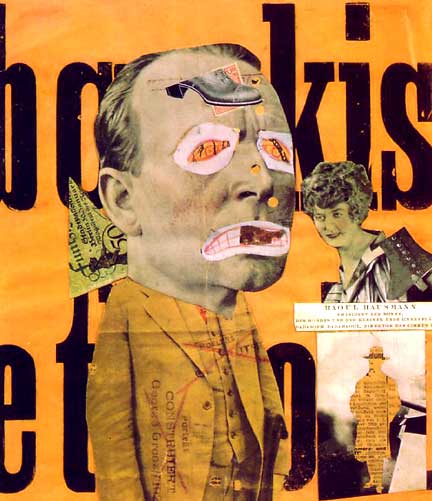

Collage Inspiration:
Michelle Thompson
Mike McQuade
Spur
Rodrigo De Filippis
Greg Lamarche
Michelle Thompson
Robert Mars